Wearables (Wearable Devices) lists wearable devices registered for your residents, such as a Fitbit, Apple Watch, Garmin, Oura Ring or Whoop, and whether the resident has consented to Kinto using its data. Under the heading you’ll see how many devices are active and how many have consent.
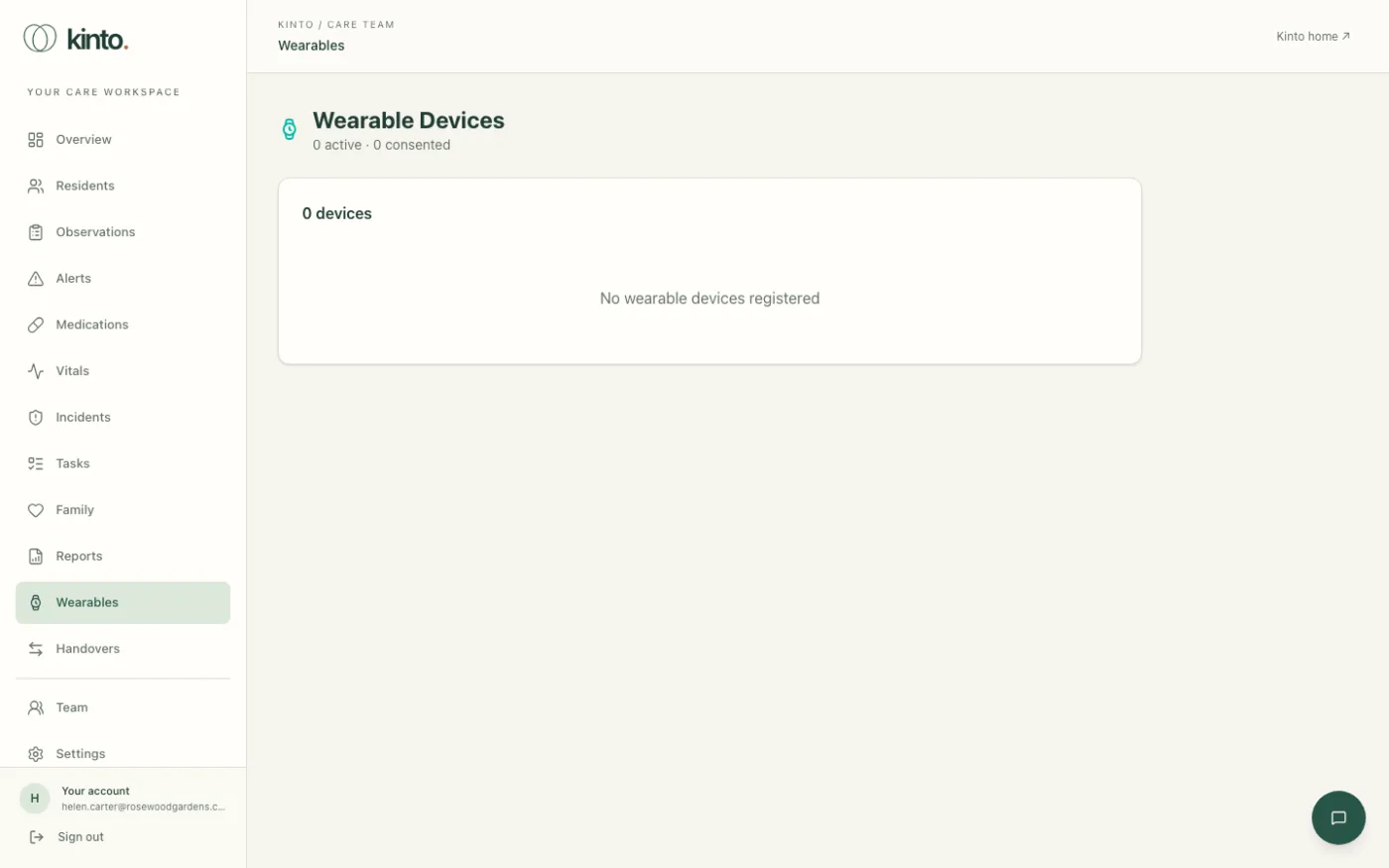
Each device shows
- the resident and the kind of device;
- Active or Inactive, and Consented or No Consent;
- the device ID and when it last synced.
Record or withdraw consent
- Make sure the resident has agreed, or that a best-interests decision has been made and recorded under the Mental Capacity Act.
- Select Grant Consent. You’ll see Consent granted.
- To withdraw it, select Revoke. You’ll see Consent revoked and the device is switched off in Kinto.
Still stuck, or spotted something that doesn’t match what you see? Email support@kinto.you and tell us which page you were on. Please don’t include residents’ personal or medical details.