Your authenticator app lives on your phone, so a lost, broken or replaced phone needs a little care. There are three ways back in, depending on what you still have.
| Situation | What to do |
|---|---|
| New phone, old one still works | Move Kinto to the new phone from Settings (below). |
| Phone lost or broken, you have recovery codes | Sign in with a recovery code, then move Kinto to your new phone. |
| No phone and no recovery codes | Ask an owner or admin in your care home to reset your two-factor authentication. |
Sign in with a recovery code
- Sign in with your email and password as usual.
- On Enter your code., select Lost your phone? Use a recovery code.
- Type one of your saved recovery codes, which look like
abcde-12345, into Recovery code.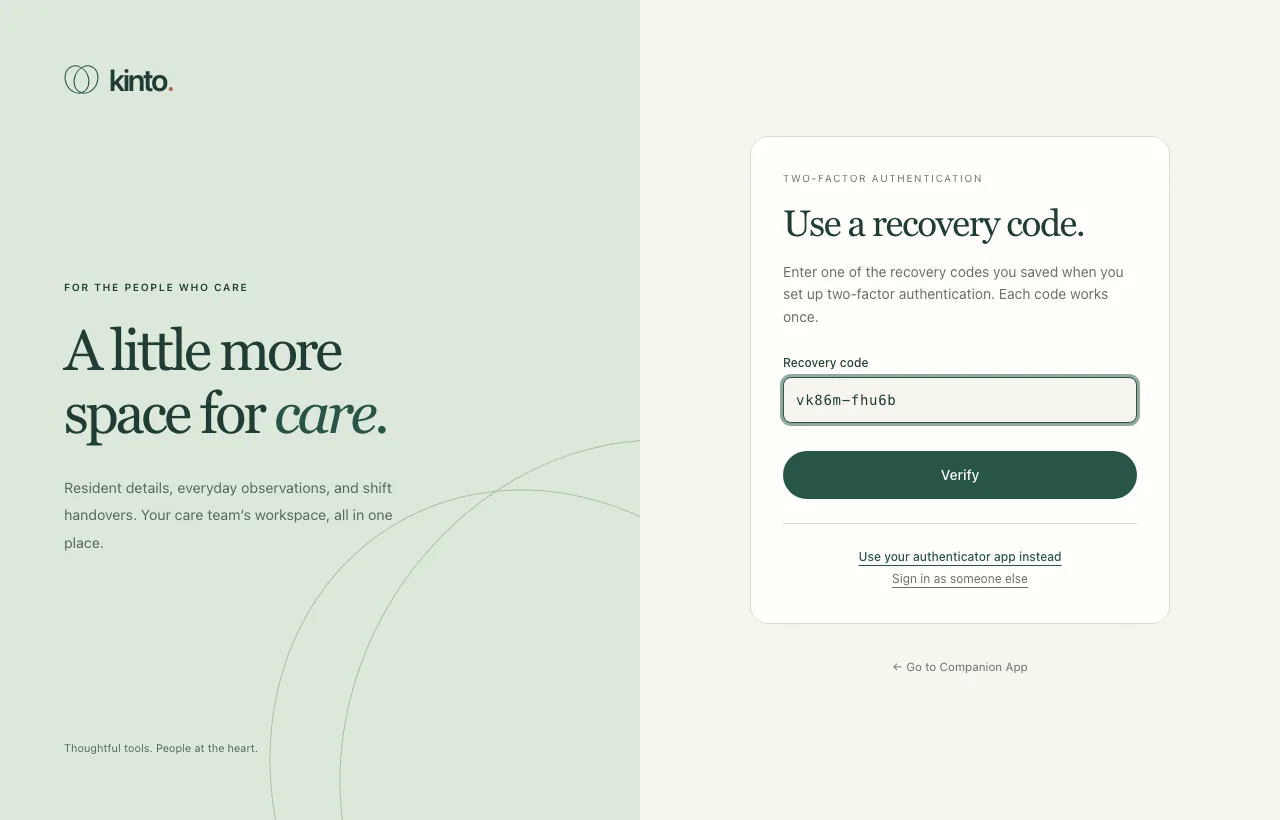
- Select Verify. Cross that code off: it won’t work again.
Move Kinto to a new phone
- Install your authenticator app on the new phone.
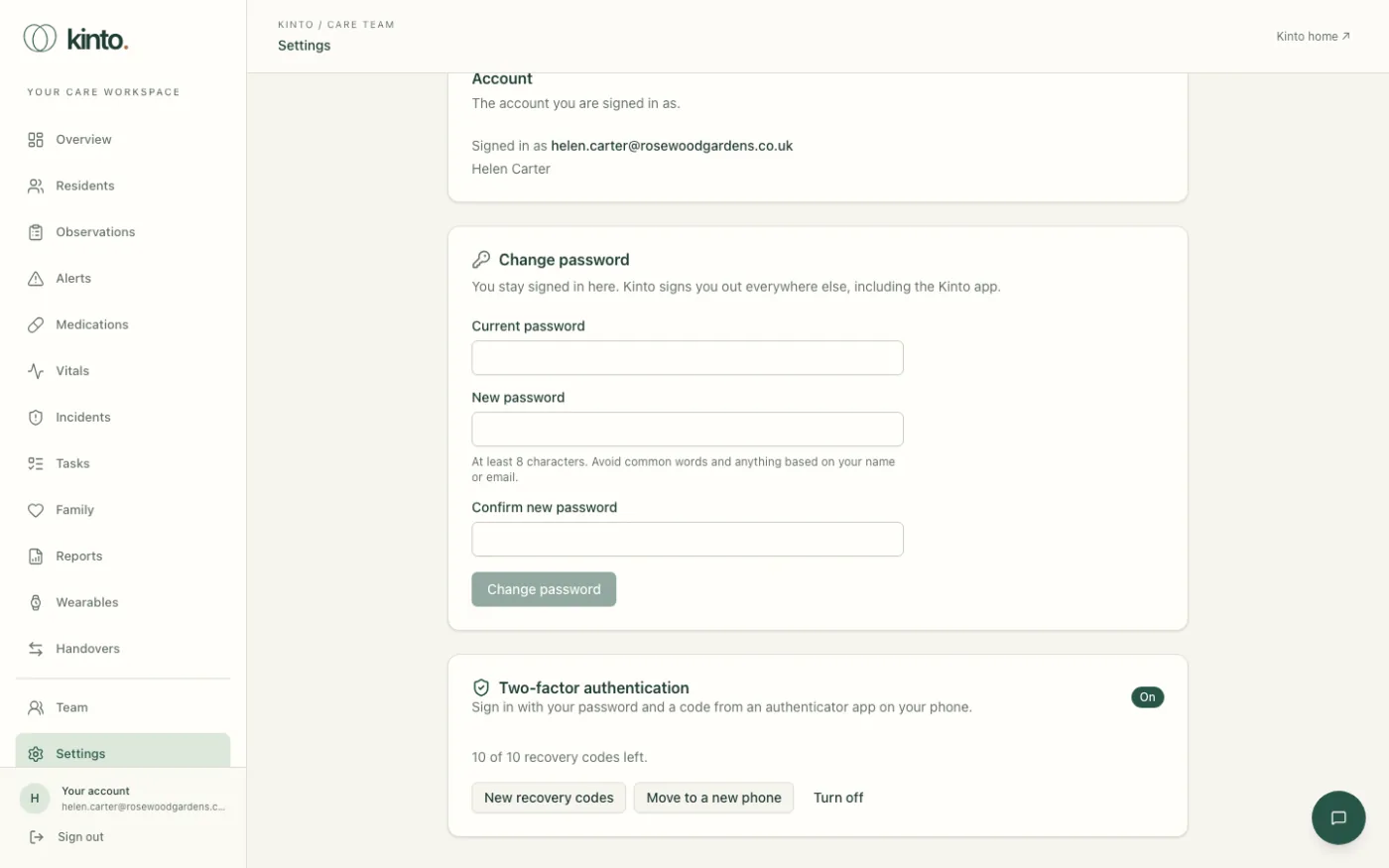
- In Kinto, open Settings from the menu on the left.
- In Two-factor authentication, select Move to a new phone.
- Under Current code from your authenticator, or a recovery code, type a code from your old phone, or a recovery code if you don’t have it. Select Continue.
- Scan the new QR code with the new phone, type the 6-digit code it shows and select Verify and turn on.
- Save the new set of recovery codes, tick I have saved my recovery codes and select Done. Your old phone and your old recovery codes stop working.
Running low on recovery codes
Settings shows how many you have left, for example 7 of 10 recovery codes left. When you’re down to 3 or fewer it adds Generate new ones soon. Select New recovery codes, enter a current code, and save the 10 new codes. The old ones stop working.
Ask for a reset
If you have neither your phone nor a recovery code, speak to an owner or admin at your care home, in person or by phone. They can reset your two-factor authentication from the Team page (see Managing your team). Then:
- Sign in with your email and password.
- You’ll go straight to Set up two-factor authentication. Follow the same steps as the first time: scan the QR code, enter the code and save your new recovery codes.
Still stuck, or spotted something that doesn’t match what you see? Email support@kinto.you and tell us which page you were on. Please don’t include residents’ personal or medical details.