When you sign in you land on Overview. The menu on the left, under Your care workspace, takes you to every part of the dashboard. The page you’re on is highlighted, and its name is shown at the top next to Kinto / Care team.
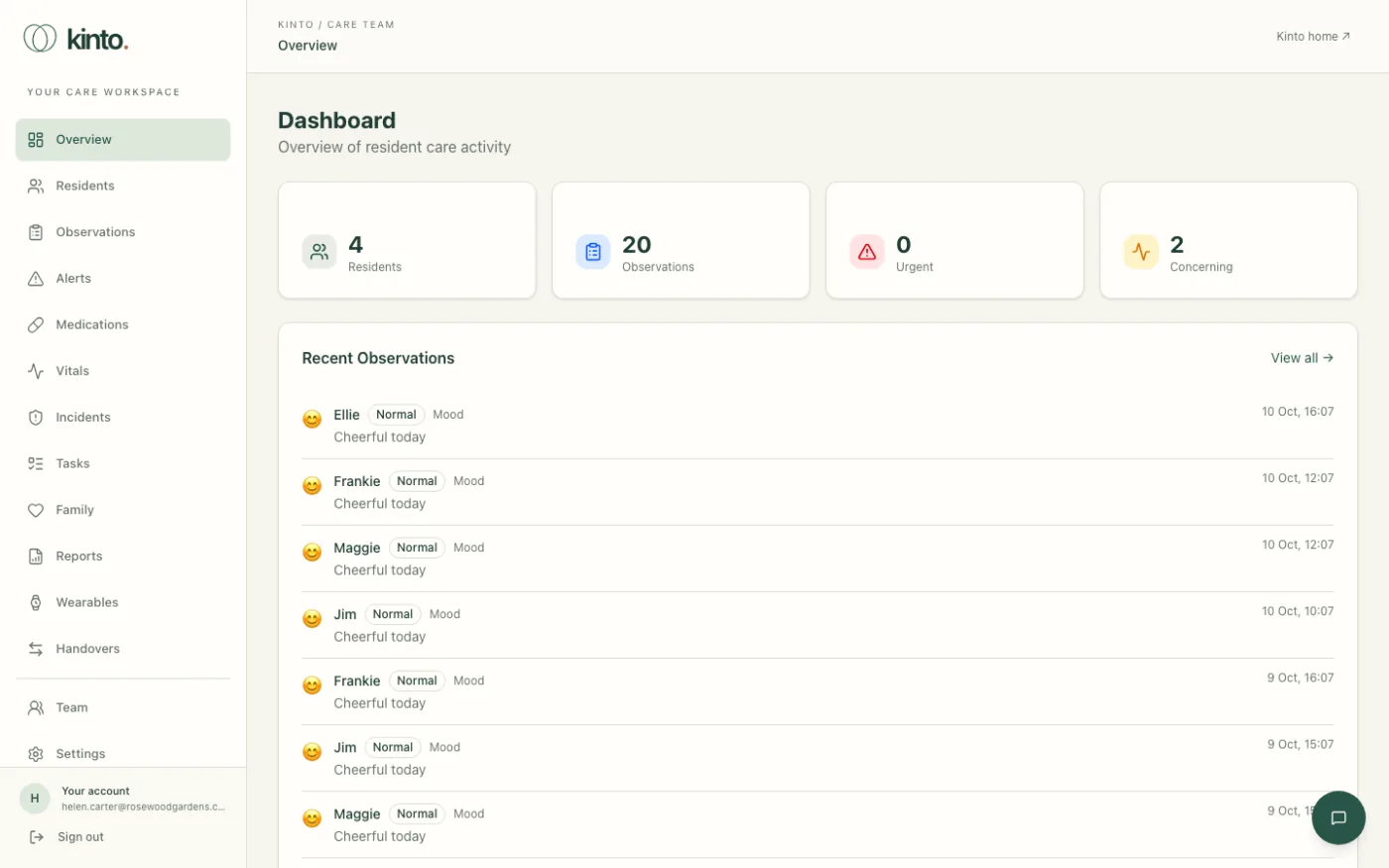
The Overview page
- Four tiles at the top: Residents, Observations, Urgent and Concerning. The last three count the recent observations shown on the page.
- Recent Observations lists the latest 8 observations across the home. Select a resident’s name to open their profile, or View all → to open Observations.
What’s in the menu
| Menu item | What it’s for |
|---|---|
| Residents | Find a resident and open their profile. More |
| Observations | Every observation across the home, with filters. More |
| Alerts | Changes Kinto has noticed that may need a look. More |
| Medications | Medication schedules and the recent log. More |
| Vitals | The latest vital signs readings. More |
| Incidents | The incident log. More |
| Tasks | Care tasks to do, in progress and done. More |
| Family | Family links, messages from relatives and planned visits. More |
| Reports | Weekly summaries for each resident. More |
| Wearables | Residents’ wearable devices and consent. More |
| Handovers | Shift handover summaries. More |
| Team | Owners and admins only: who can use the workspace. More |
| Settings | Your account, password and two-factor authentication. More |
At the bottom of the menu, Your account shows the email you’re signed in with, and Sign out signs you out. Kinto home ↗ at the top right opens the public Kinto website.
Dates and times are always shown in UK time, day first, for example 10 Oct, 16:14, whatever your computer is set to.
Ask Sarah
The round green chat button in the bottom right corner of every page opens Ask Sarah, the care team assistant. See Ask Sarah.
What your role lets you do
- Owners, admins and carers can read and change care records (residents, medication rounds, observations, incidents, tasks and handovers) and use Ask Sarah.
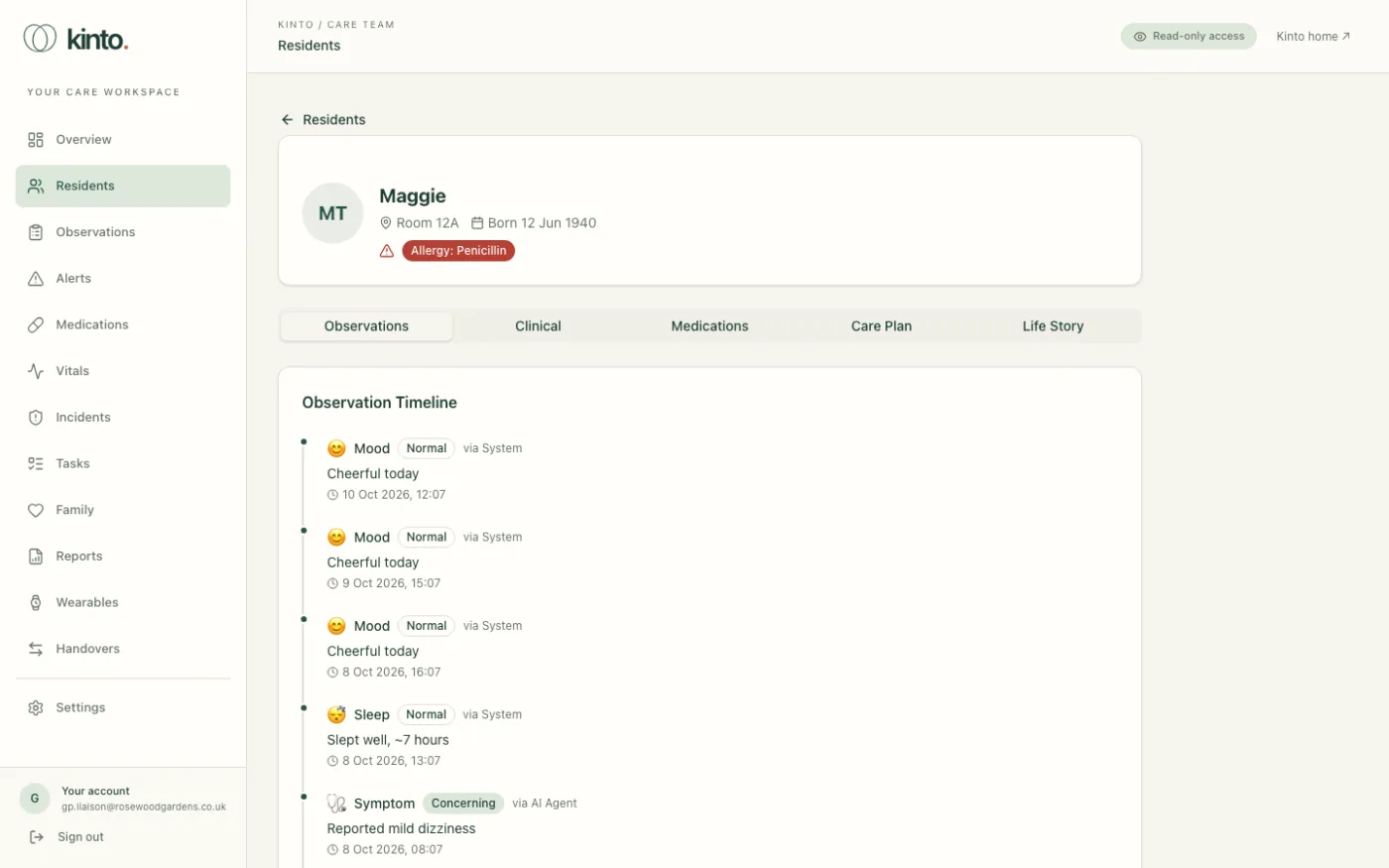
- Viewers see the same pages but can’t change anything. They see Read-only access at the top of every page, buttons such as Add Observation and Ack are hidden or greyed out, and the Ask Sarah button isn’t shown.
- Team and Audit trail only appear in the menu for owners and admins.
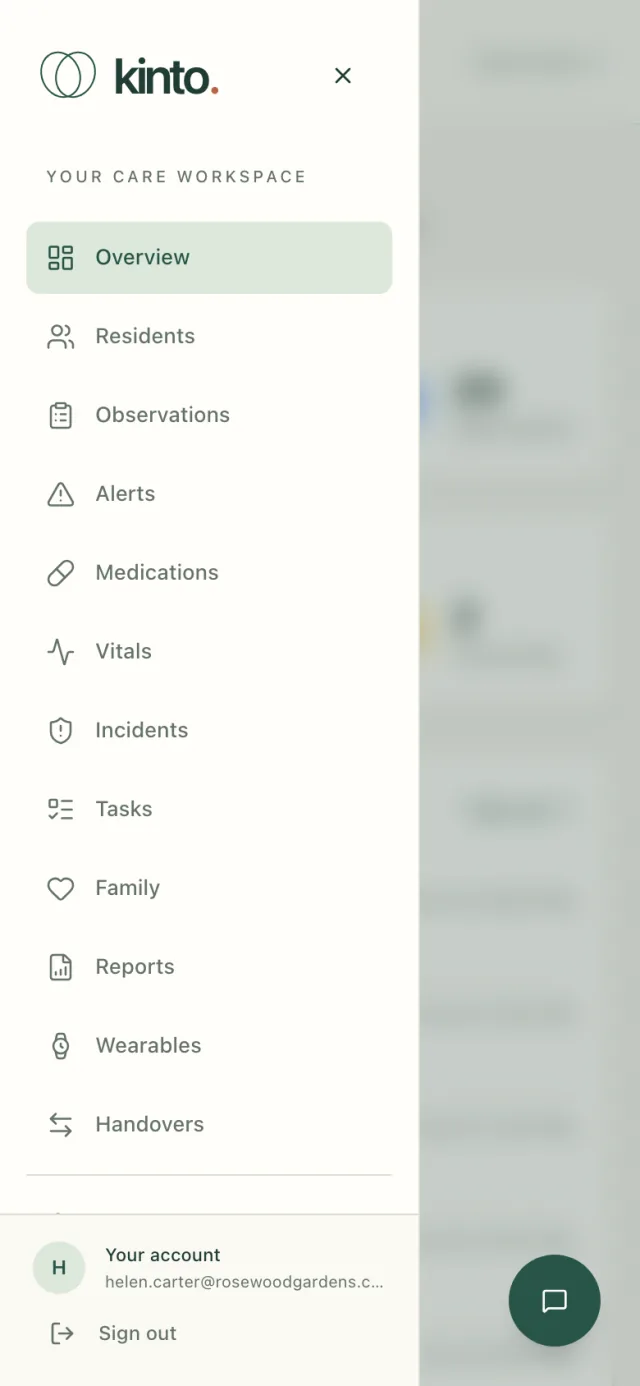
On a tablet or phone
On a narrow screen the menu is hidden. Tap the menu button at the top left (Open navigation) to show it, and the cross (Close navigation) to hide it again.
Still stuck, or spotted something that doesn’t match what you see? Email support@kinto.you and tell us which page you were on. Please don’t include residents’ personal or medical details.