To open Settings, tap the menu button (three lines) at the top left of the chat, then Settings. Tap the back arrow to return to Sarah.
What’s in Settings
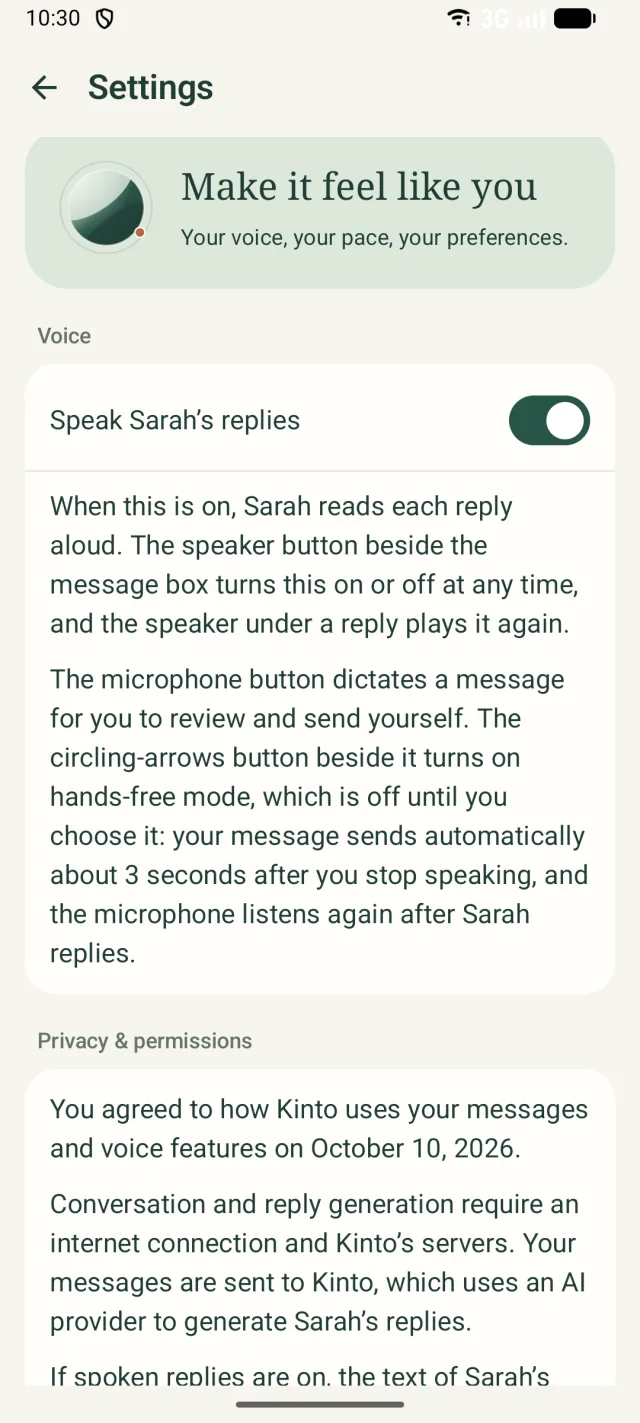
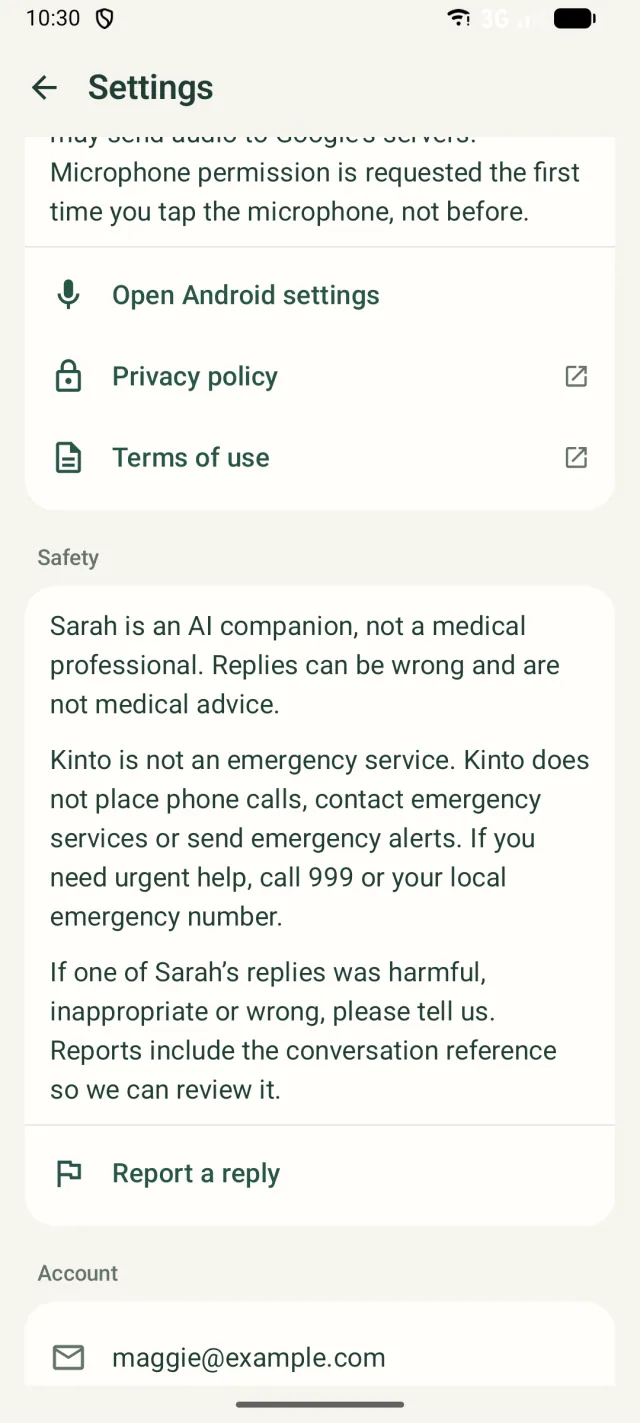
| Section | What it’s for |
|---|---|
| Voice | Speak Sarah’s replies: spoken replies on or off. It matches the speaker button in the message box. |
| Privacy & permissions | The date you agreed to how Kinto uses your messages and voice features; how they’re handled; Open Android settings for permissions; Privacy policy and Terms of use. |
| Safety | A reminder that Sarah is an AI and Kinto isn’t an emergency service, and Report a reply. |
| Account | Your email, Sign out and Delete account. |
| Help | Help & support opens kinto.you/support. |
| About Kinto | The app version, and Show onboarding again to replay the welcome screens. |
Your privacy, in plain words
- What you type or say to Sarah goes to Kinto’s servers, and our AI provider uses it to write Sarah’s replies.
- Your conversations are saved to your account so Sarah can remember you and you can come back to them.
- While spoken replies are on, the text of Sarah’s replies is sent to our voice provider to create her voice.
- Dictation uses your phone’s speech recognition (usually Google’s), which may send your audio to Google.
- Kinto has no adverts and doesn’t sell your information.
The privacy policy names every provider, says where your information goes and how long it’s kept, and explains your rights.
Report a reply
If Sarah said something wrong, unkind or worrying, please tell us.
- Tap Report a reply, in the menu or in Settings under Safety.
- Your email app opens a message to support@kinto.you called Report a reply from Sarah. It already includes Sarah’s most recent reply and a reference for the conversation.
- Under Tell us what was wrong with Sarah’s reply:, describe what happened.
- Tap send in your email app.
Still stuck, or spotted something that doesn’t match what you see? Email support@kinto.you and tell us which page you were on. Please don’t include residents’ personal or medical details.